A photograph
A portrait, a familiar place or an object can work. Choose something you have permission to share. You can also begin with words alone.
Online memory book
Bring photographs, captions and stories into a memorial people can read on a phone or computer. Start with a small collection, then return whenever another memory comes to mind.
Family Album
This is a website with an album-like reading experience. Choose the layout, add your own photographs and words, and preview the result before purchasing.
Start my memory bookFree to prepare and preview. US$59.90 / year or US$119.90 once for one memorial.
Explore the complete example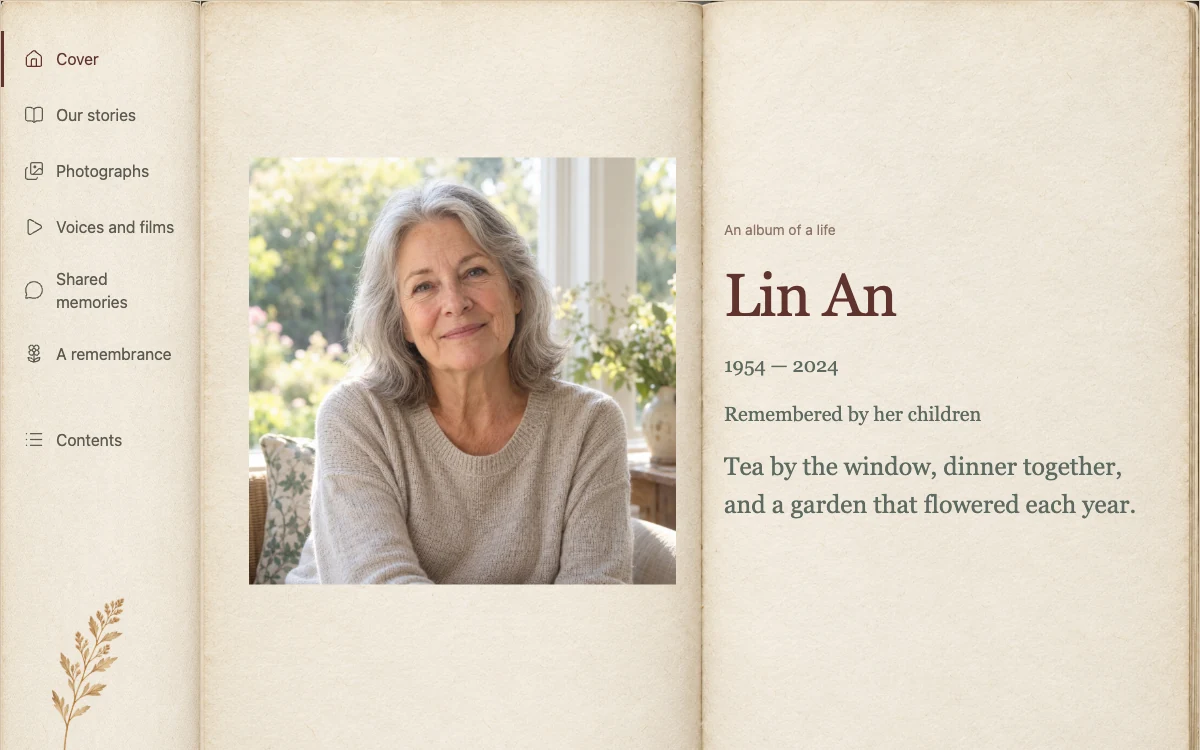
Begin with what you have
A portrait, a familiar place or an object can work. Choose something you have permission to share. You can also begin with words alone.
Say who or what is in the picture, then add the part the camera could not capture: the joke, the conversation, what happened next.
Leave room for another story or a relative’s contribution. You do not need to finish the whole book before you begin.
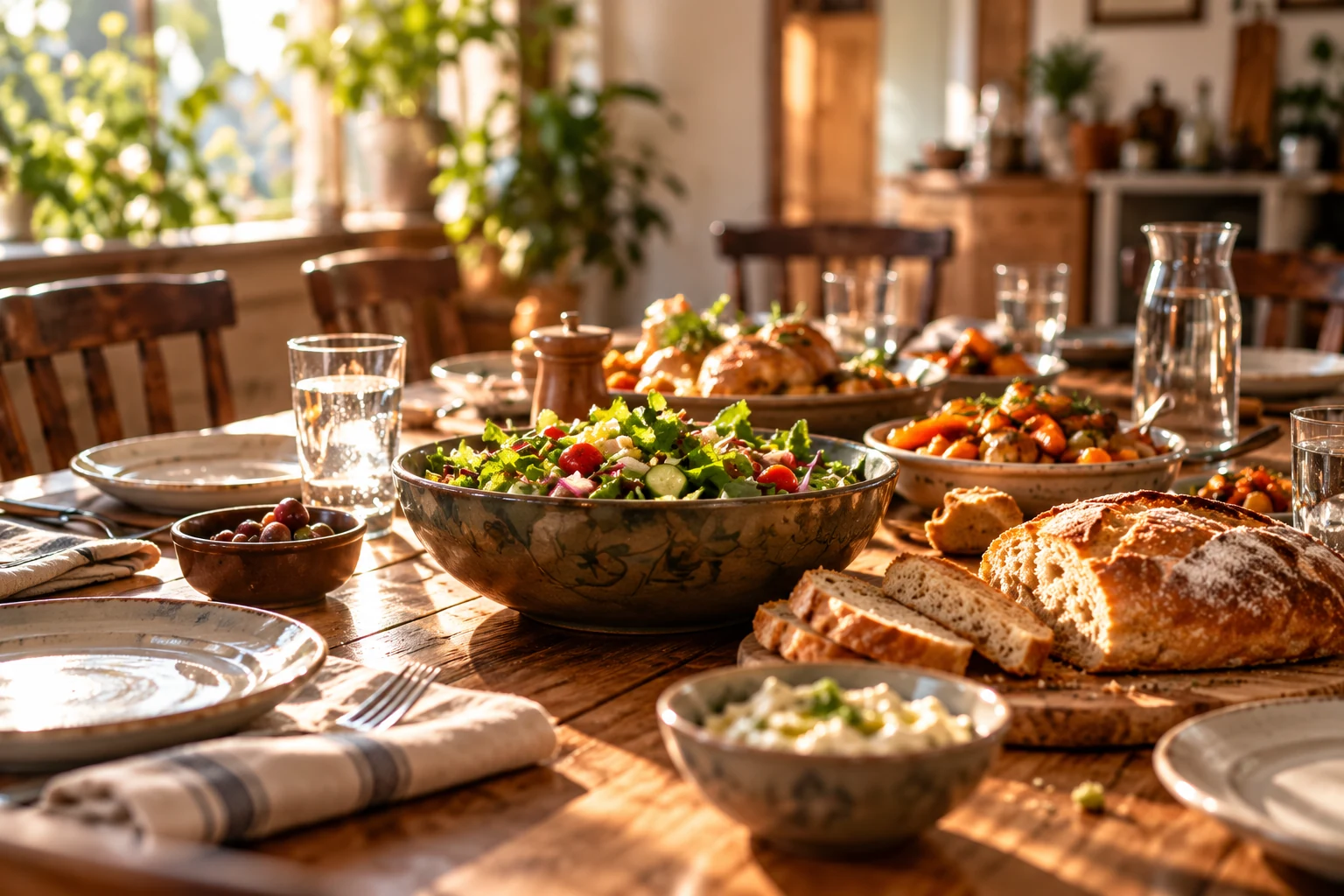
From a photo to a memory
A label
“Lunch at Dad’s.”
A memory alongside the photograph
“Dad would ask how many people were coming, then add four. There was always a place for someone who arrived late.”
Use a real detail of your own. If you do not know the date, leave it out or use an approximate year.
Organise it in a way that makes sense to you
A shared meal, a favourite place and something they always said can form a first chapter. Group by a feeling or a familiar routine; you do not need dates for every photograph.
Choose a few stages of their life. A year or an approximate period is enough when the precise date is uncertain. Avoid turning the page into a list of accomplishments.
Keep contributors’ names beside their memories, with permission. Their words do not have to sound like yours. Decide who can visit and how new contributions will be reviewed.
These are editorial starting points, not new automatic chapter-building tools. Organise your content with the existing story, gallery, timeline and shared-memory sections.
A private beginning
The memorial starts private. You decide who can visit and contribute, and when you are ready to share it. Guests use Google to sign in; private access may require your approval.
Keep the original photographs and text somewhere you control. Ask permission before including someone else’s contribution or a living person’s private information.
RememberTogether provides the memorial website. This plan does not include printing, binding or delivery of a physical book.
For current media capacity and preservation options, read the plan details before purchasing.
See what both plans includeOne page is a beginning
Free to prepare and preview. US$59.90 / year or US$119.90 once for one memorial.
A memorial that can keep growing
Start with one photograph and the story behind it. Later, add the note in a drawer, the recipe you still make, or a memory from someone who knew them in a different part of life. Keep each contribution in the words of the person who shared it.
An illustrative example of adding your own words and photographs over time.
One continuing place
Both plans include hosting, storage and maintenance, with the same place to keep adding and remembering together.
Free to prepare and preview. US$59.90 / year or US$119.90 once for one memorial.
See what both plans includeContinue in your own way