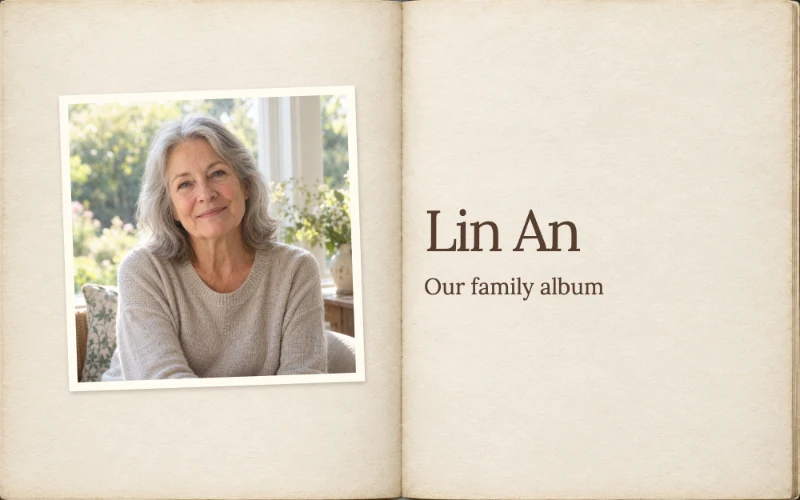
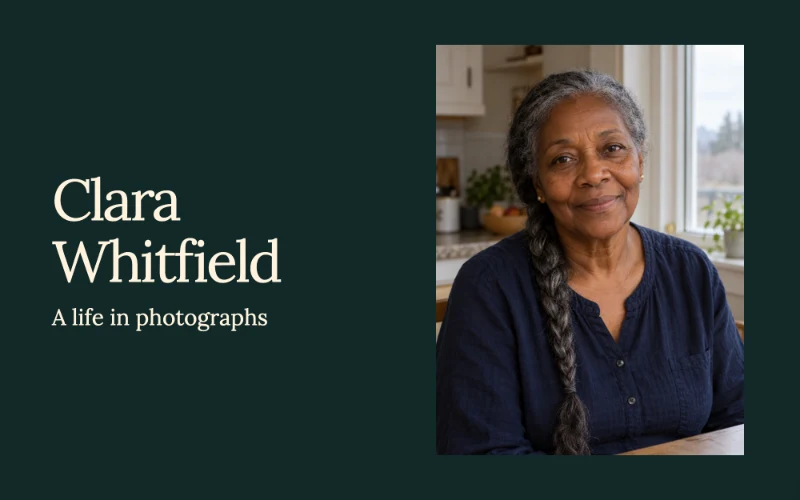
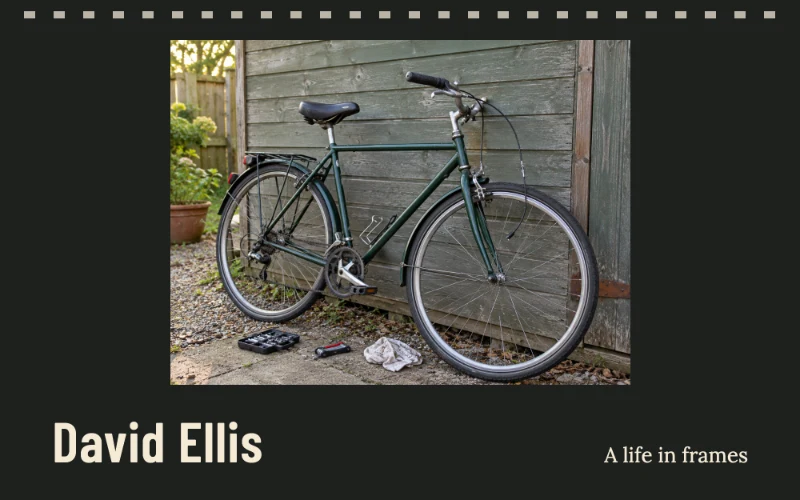
A single picture can stand on its own.
Old Photo Room
Let a family photograph fill the screen. Turn to the next picture when you are ready.
Add your own memories and see the complete preview before deciding to purchase.
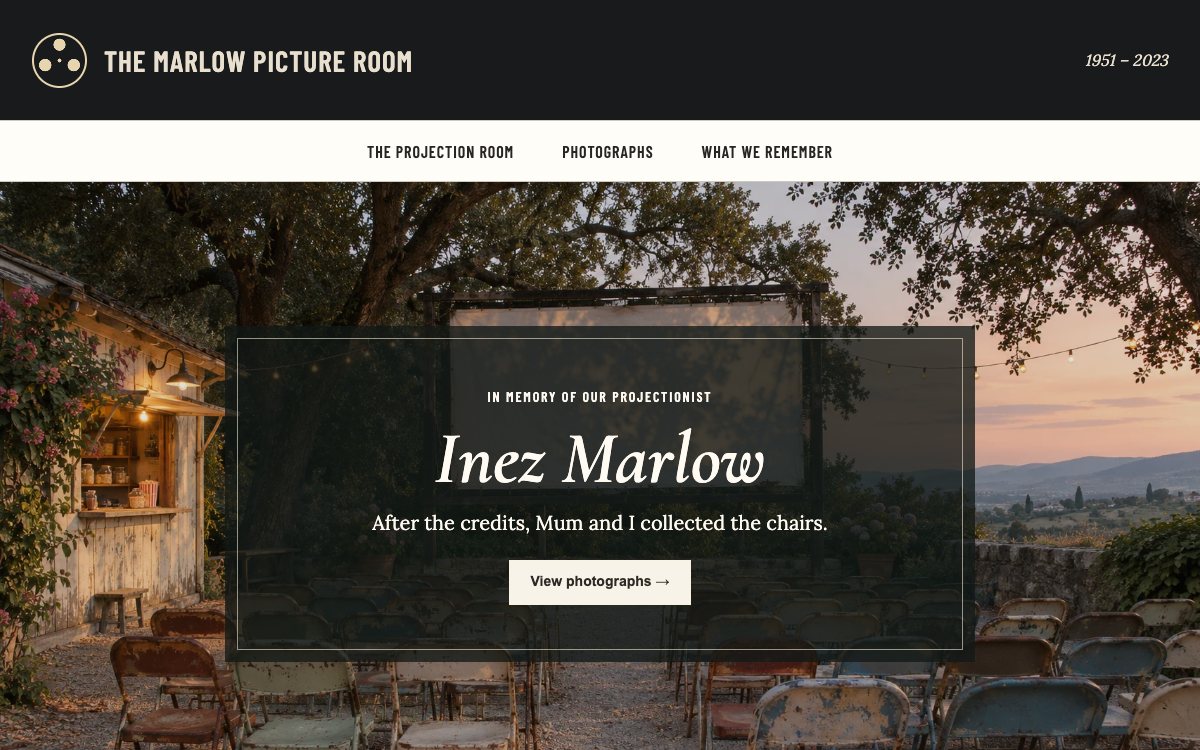
The opening of a featured example. Its people and memories are fictional; the full memorial and media sources are available in the example.View full example
Why this design
The whole photograph stays in view, including the people at its edges.
Readers decide when to move to the next photograph.
Who this design is for
This design suits families with only a few old photographs — perhaps a handful is all that survives — where each one deserves a full screen and a slow look. It is also a good fit when an older relative notices the details everyone else walks past: who is near the door, whose handwriting is on the back.
Words that fit this design
Look at the edges first. That is Grandfather by the door, half out of frame, holding the dog back with one hand. The writing on the back is Aunt Lucy's: 'Easter, before the house was sold.' Nobody wrote down the year. Nobody needed to — this was the last Easter all of them were in one room.
Sample words from a fictional family — borrow the tone when you write your own.
Questions about this design
We only have a few old photographs. Is that enough?
Yes. A single picture can stand on its own here; the design is made for few photographs, looked at one at a time, for as long as the reader wants.
Are the photographs cropped to fill the screen?
No. The whole photograph stays in view, including the people at its edges — nothing is cut away to make it fit.
Do we need to know when each photograph was taken?
No. The year can wait. Write the detail someone else might miss — who is near the door, or whose handwriting is on the back.
Make it your own
Keep the layout you love, and fill it with the memories only you can share.
Start with what you have
Choose one photograph. Write the detail someone else might miss: who is near the door, or whose handwriting is on the back. The year can wait.
- Choose this layout to open the editor.
- Add your own photographs, words and media.
- Save and check the full preview before creating your memorial.
The example’s presentation settings carry over. Its person, stories and activity records are not copied into your memorial.
Can I change the design later?
Yes. Preview another available template with your own content, then choose Use this template or Keep current template. Your stories, photographs and privacy choices stay with you.
Do I need to have everything ready?
No. Begin with one photograph and one memory. Save your progress and come back to add more over time.
Who can see my memorial?
It starts private. Keep it just for you, approve family and friends, or deliberately make the visitor version public. Sharing an address does not grant private access.