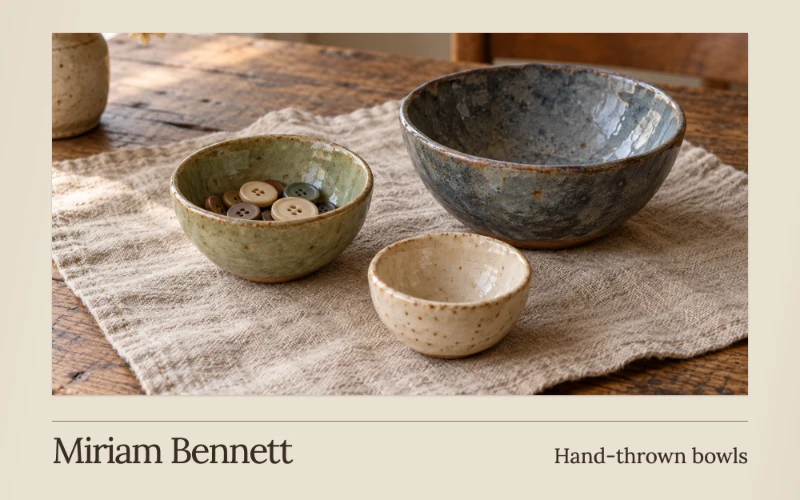
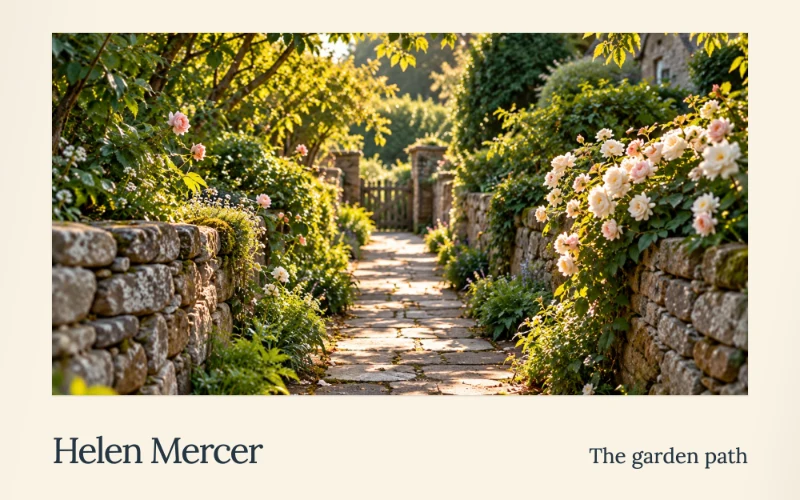
One ordinary object can open the exhibit.
The Keepsake Exhibit
Photograph what you kept. Open each object to tell the story someone still knows.
Add your own memories and see the complete preview before deciding to purchase.
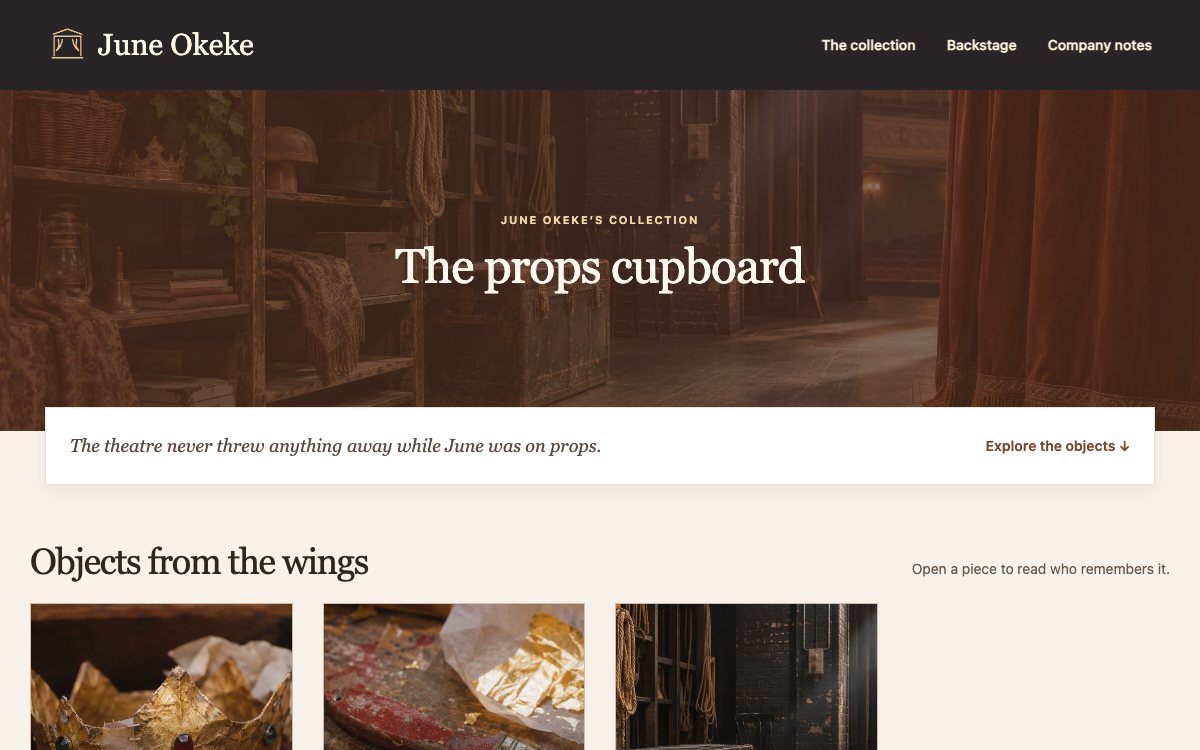
The opening of a featured example. Its people and memories are fictional; the full memorial and media sources are available in the example.View full example
Why this design
A photograph and a family story are displayed together.
Dates and an object’s history can be added when you know them.
Make it your own
Keep the layout you love, and fill it with the memories only you can share.
Start with what you have
Photograph one thing you have kept. Give it the name your family uses and write one detail that someone else might miss.
- Choose this layout to open the editor.
- Add your own photographs, words and media.
- Save and check the full preview before creating your memorial.
The example’s presentation settings carry over. Its person, stories and activity records are not copied into your memorial.
Can I change the design later?
Yes. Preview another available template with your own content, then choose Use this template or Keep current template. Your stories, photographs and privacy choices stay with you.
Do I need to have everything ready?
No. Begin with one photograph and one memory. Save your progress and come back to add more over time.
Who can see my memorial?
It starts private. Keep it just for you, approve family and friends, or deliberately make the visitor version public. Sharing an address does not grant private access.