Bring together the different sides of someone known by family, friends and neighbours.
Together in Memory
Make family and friends’ memories the heart of the page, with a clear place for each person to add their own.
Add your own memories and see the complete preview before deciding to purchase.
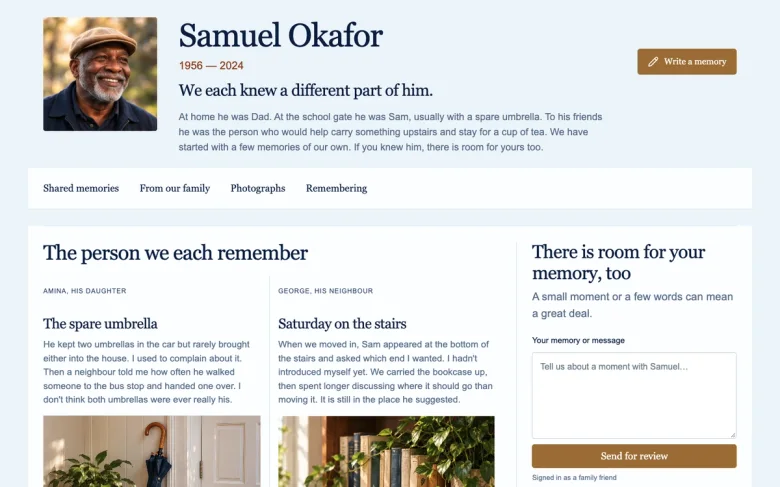
The opening of a featured example. Its people and memories are fictional; the full memorial and media sources are available in the example.View full example
From these memories to a page
These are fictional demonstration materials, not customer content.
What you bring
Samuel Okafor
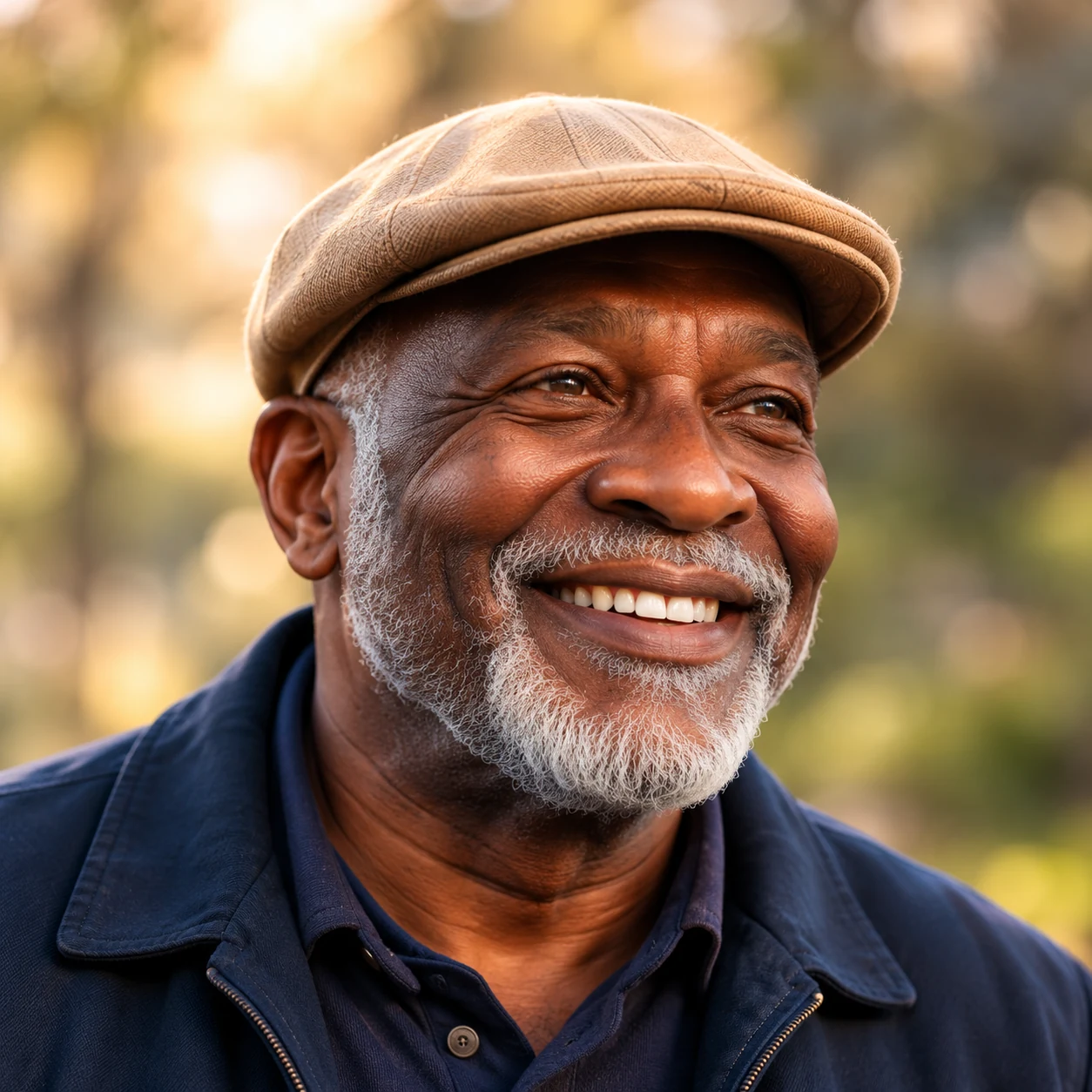
The spare umbrella
He kept two umbrellas in the car but rarely brought either into the house. I used to complain about it. Then a neighbour told me how often he walked someone to the bus stop and handed one over. I don't think both umbrellas were ever really his.
Amina, his daughter
Saturday on the stairs
When we moved in, Sam appeared at the bottom of the stairs and asked which end I wanted. I hadn't introduced myself yet. We carried the bookcase up, then spent longer discussing where it should go than moving it. It is still in the place he suggested.
George, his neighbour
The result uses only the portrait and words shown here. Section labels and layout come from the template; unused sections are hidden.
Begin with my own memoriesThe result in this template
Why this design
Give each contributor's words a clear place, without popularity rankings or a busy social feed.
Start with your own memories, then invite others to contribute under the permissions you choose.
Make it your own
Keep the layout you love, and fill it with the memories only you can share.
Start with what you have
Begin with your own short memory. The page also gives family and friends a place to contribute as you invite them.
- Choose this layout to open the editor.
- Add your own photographs, words and media.
- Save and check the full preview before creating your memorial.
The example’s presentation settings carry over. Its person, stories and activity records are not copied into your memorial.
Can I change the design later?
Yes. Preview another available template with your own content, then choose Use this template or Keep current template. Your stories, photographs and privacy choices stay with you.
Do I need to have everything ready?
No. Begin with one photograph and one memory. Save your progress and come back to add more over time.
Who can see my memorial?
It starts private. Keep it just for you, approve family and friends, or deliberately make the visitor version public. Sharing an address does not grant private access.