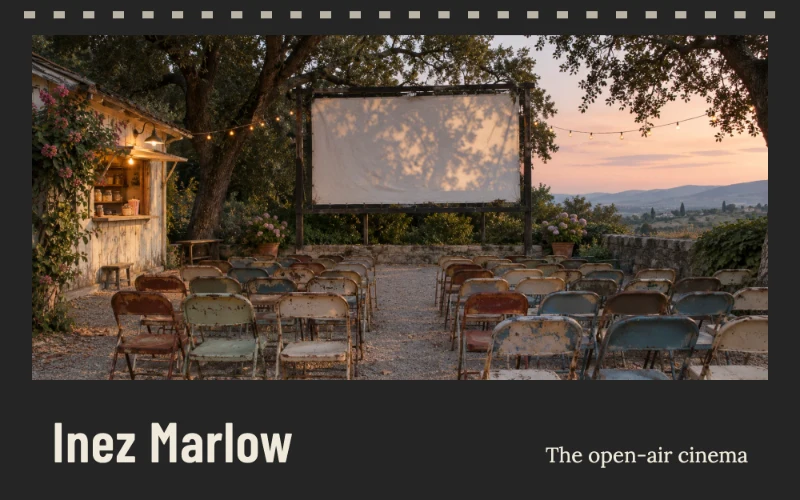
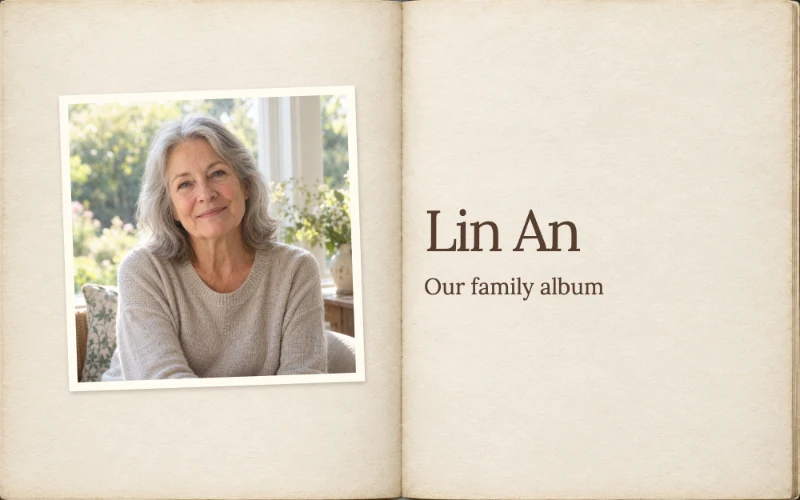
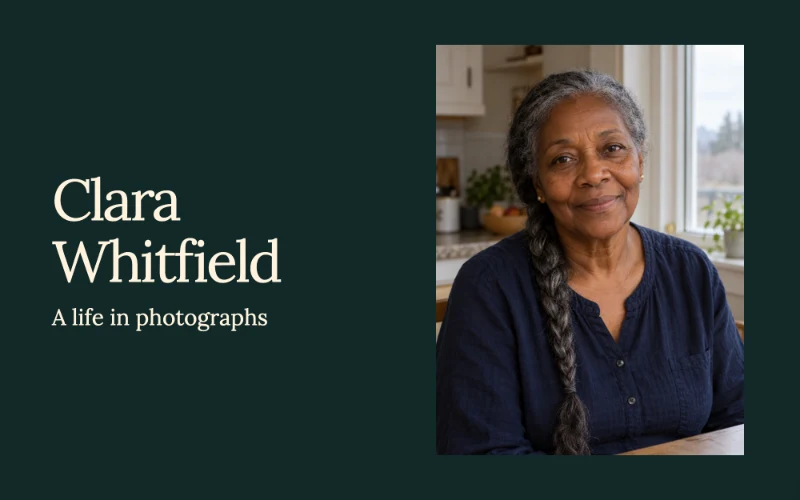
An album can begin with a single photograph.
A Life in Albums
Give photographs a place in named albums, then add the family’s words beneath them.
Add your own memories and see the complete preview before deciding to purchase.
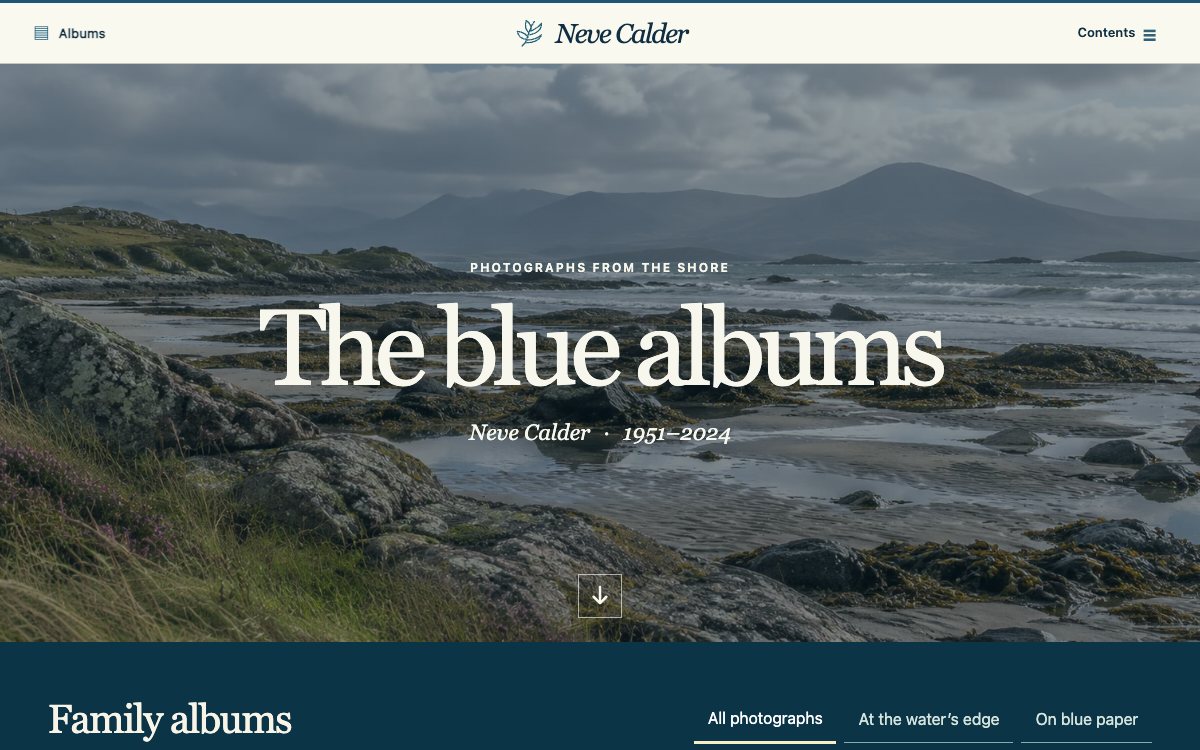
The opening of a featured example. Its people and memories are fictional; the full memorial and media sources are available in the example.View full example
Why this design
Family names for places and occasions help relatives find a picture.
Open a photograph to see the whole image and read its caption.
Who this design is for
This design suits families whose photographs fall into natural groups — holidays, the house, birthdays, the years at the allotment — and who name those groups their own way. Photographs live in named albums with the family's words beneath them, so relatives can go straight to the occasion they remember.
Words that fit this design
From the album we call Summers at the Shore. This is the whole table at the caravan, three generations deep, with Grandad pretending not to be in charge of the barbecue. If you were ever fed at this table, you are in this album somewhere. Add your photographs when you find them.
Sample words from a fictional family — borrow the tone when you write your own.
Questions about this design
Do we need many photographs before starting an album?
No. An album can begin with a single photograph; add more, and the family's words beneath them, as they turn up.
Who chooses the album names?
Your family does. Names for the places and occasions you actually use help relatives find a picture far better than tidy categories.
Can visitors see the whole photograph?
Yes. Open a photograph to see the whole image and read its caption, rather than a cropped preview.
Make it your own
Keep the layout you love, and fill it with the memories only you can share.
Start with what you have
Choose a photograph you would pass around the table. Add a caption if you know the story. When you have more photographs, group them under an album name your family will recognize.
- Choose this layout to open the editor.
- Add your own photographs, words and media.
- Save and check the full preview before creating your memorial.
The example’s presentation settings carry over. Its person, stories and activity records are not copied into your memorial.
Can I change the design later?
Yes. Preview another available template with your own content, then choose Use this template or Keep current template. Your stories, photographs and privacy choices stay with you.
Do I need to have everything ready?
No. Begin with one photograph and one memory. Save your progress and come back to add more over time.
Who can see my memorial?
It starts private. Keep it just for you, approve family and friends, or deliberately make the visitor version public. Sharing an address does not grant private access.